
How to Cancel Your Guardio Subscription (2026 Step-by-Step Guide)
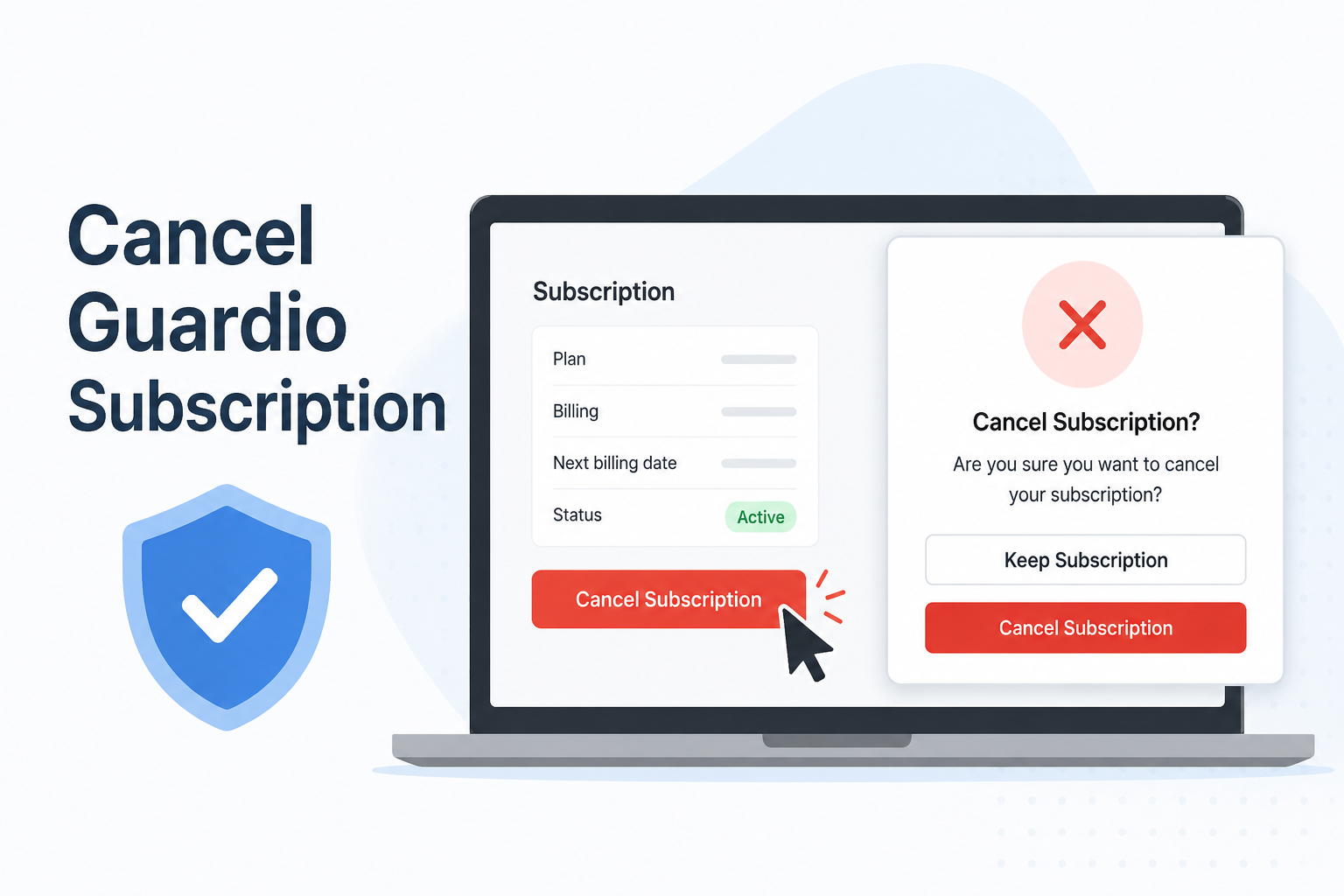
How to Cancel Your Guardio Subscription: Step-by-Step Guide
Guardio is a popular online security service that helps protect users from phishing attacks, malicious websites, and identity theft. If you no longer need the service or want to avoid future charges, you can cancel your Guardio subscription in a few simple steps.
Important Before You Cancel
Deleting the Guardio extension, uninstalling the app, or removing your account does not automatically cancel your subscription. You must cancel through the platform where you originally purchased the subscription.
Method 1: Cancel a Guardio Subscription Purchased Directly
If you subscribed using a credit card or PayPal through Guardio’s website:
Sign in to your Guardio account.
Navigate to the Subscription section.
Select Manage Plan.
Choose the Free Plan option.
Click Cancel Anyway when prompted.
Confirm by selecting Cancel Subscription.
After confirmation, your subscription will remain active until the end of the current billing cycle.
Method 2: Cancel Through the Apple App Store
If you subscribed on an iPhone or iPad:
Open the Guardio app.
Tap your profile icon.
Select Subscription.
Tap Cancel Subscription.
Choose Go to Apple Subscriptions.
Find Guardio in your subscriptions list.
Tap Cancel Subscription and confirm.
Alternatively, you can manage subscriptions directly from your Apple ID settings.
Method 3: Cancel Through Google Play Store
If you subscribed using an Android device:
Open the Guardio app.
Go to Profile > Subscription.
Tap Cancel Subscription.
Select Go to Google Play Subscriptions.
Choose Guardio from the list.
Tap Cancel Subscription and follow the prompts.
How to Check Your Billing Method
If you’re unsure how you subscribed:
Log in to your Guardio account.
Open the Subscription page.
Review the Payment Method section.
This section will indicate whether your subscription is billed through a credit card, PayPal, Apple App Store, or Google Play Store.
What Happens After Cancellation?
Once canceled, your Guardio protection remains active until the end of your current billing period. You will not be charged for future renewals unless you reactivate your subscription.
It is recommended to save a screenshot or confirmation email as proof of cancellation for your records.
Frequently Asked Questions
Can I get a refund after canceling Guardio?
Cancellation stops future renewals, but refund eligibility depends on Guardio’s refund policy and your payment provider.
Does uninstalling Guardio cancel my subscription?
No. Uninstalling the extension or app does not stop recurring payments. You must cancel through your subscription settings.
Will I lose protection immediately after canceling?
No. Your subscription benefits typically remain active until the end of the current billing cycle.
This version is SEO-friendly and suitable for a website blog or help article.